Convert a Sudoku image into editable text or PDF.
Sudoku Scan detects the layout, reads the symbols, and returns an editable result you can inspect and export.
Upload your Sudoku
Take a photo of a Sudoku puzzle.
Try an example
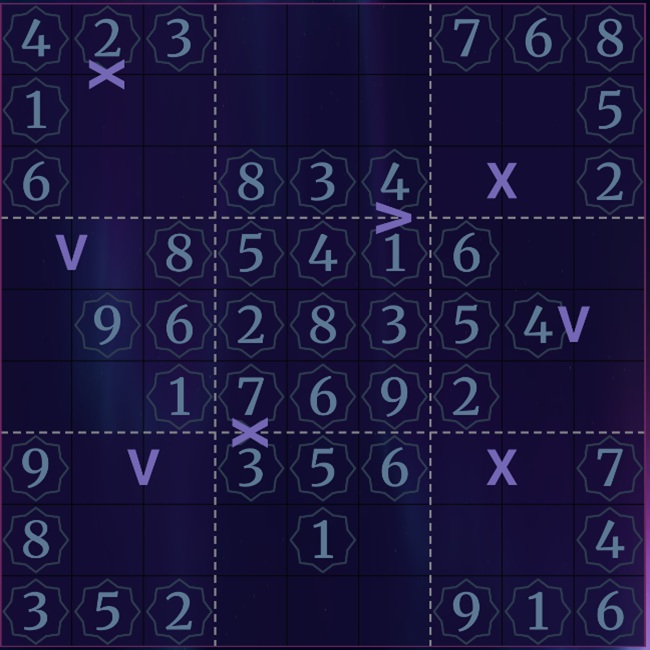
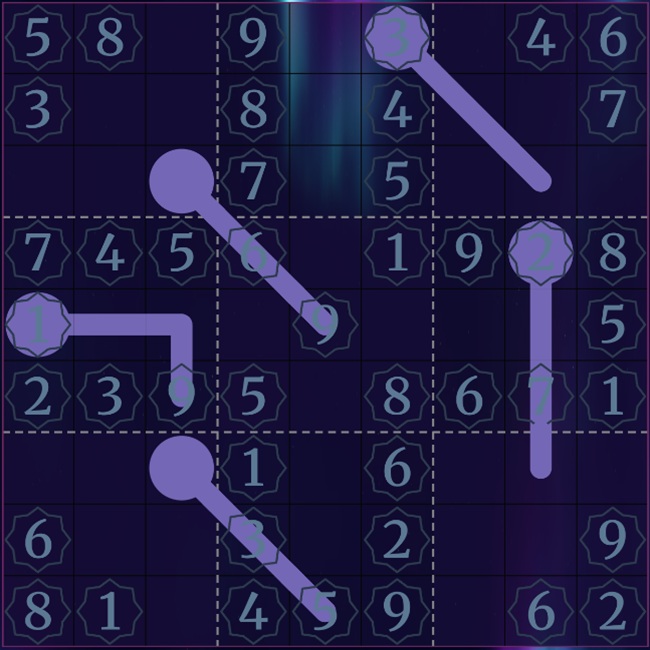
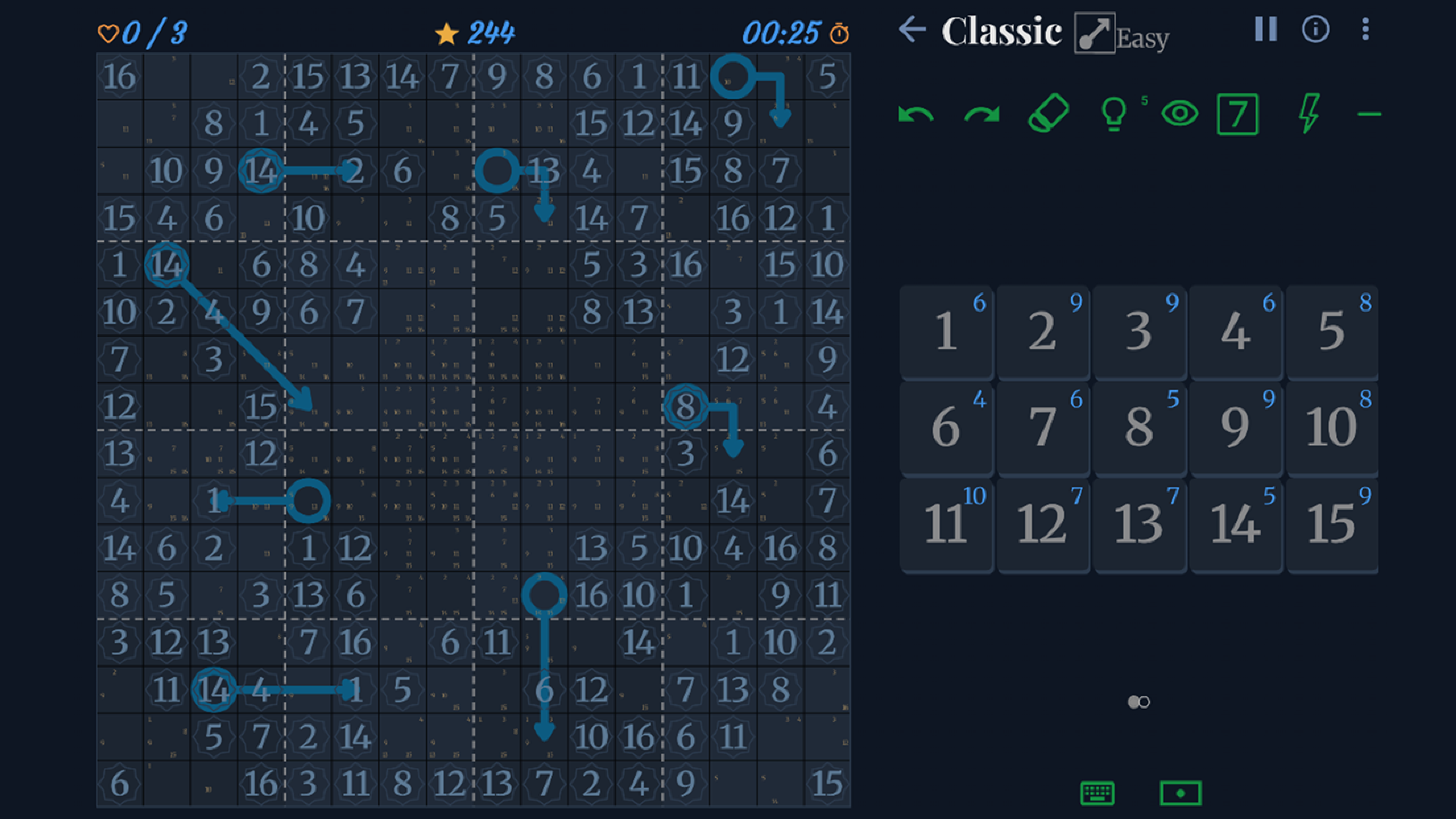
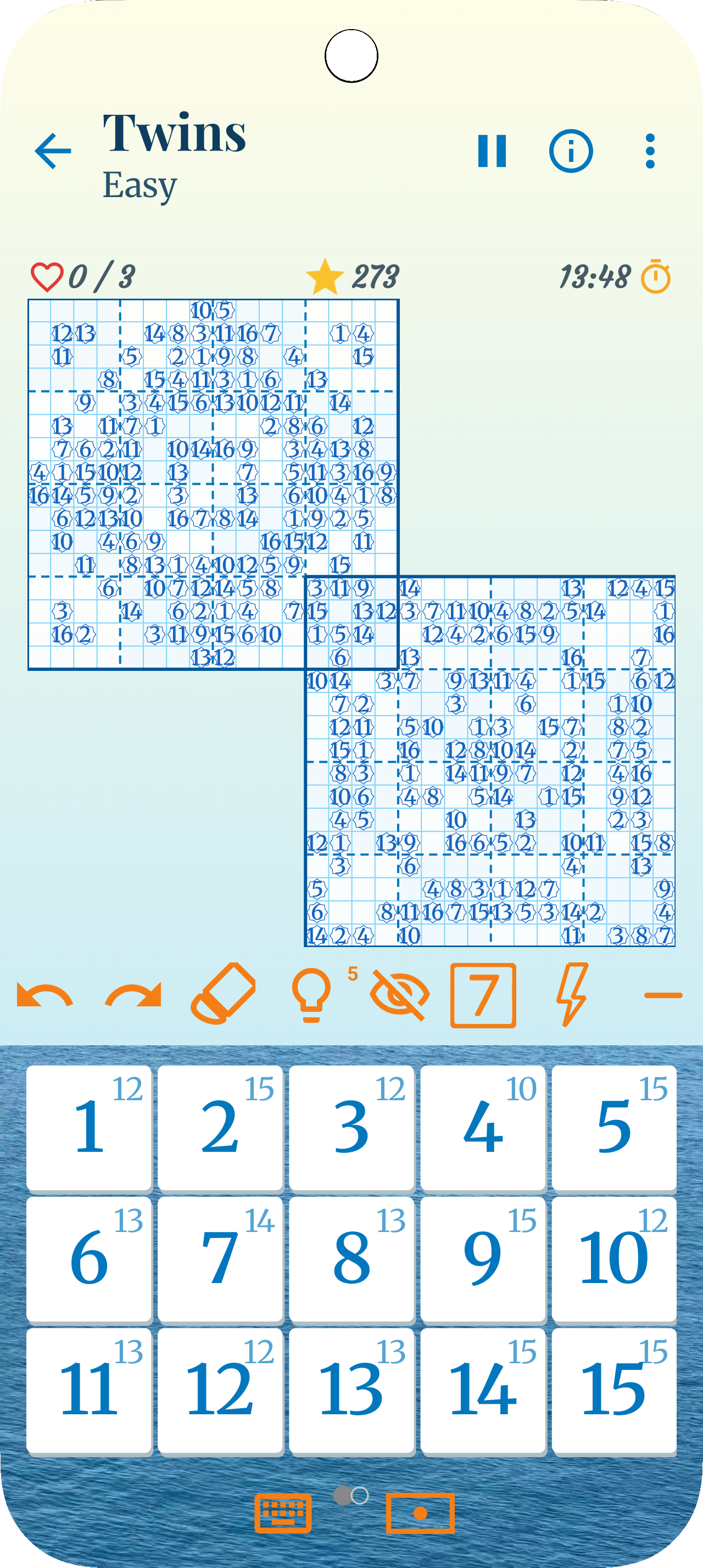
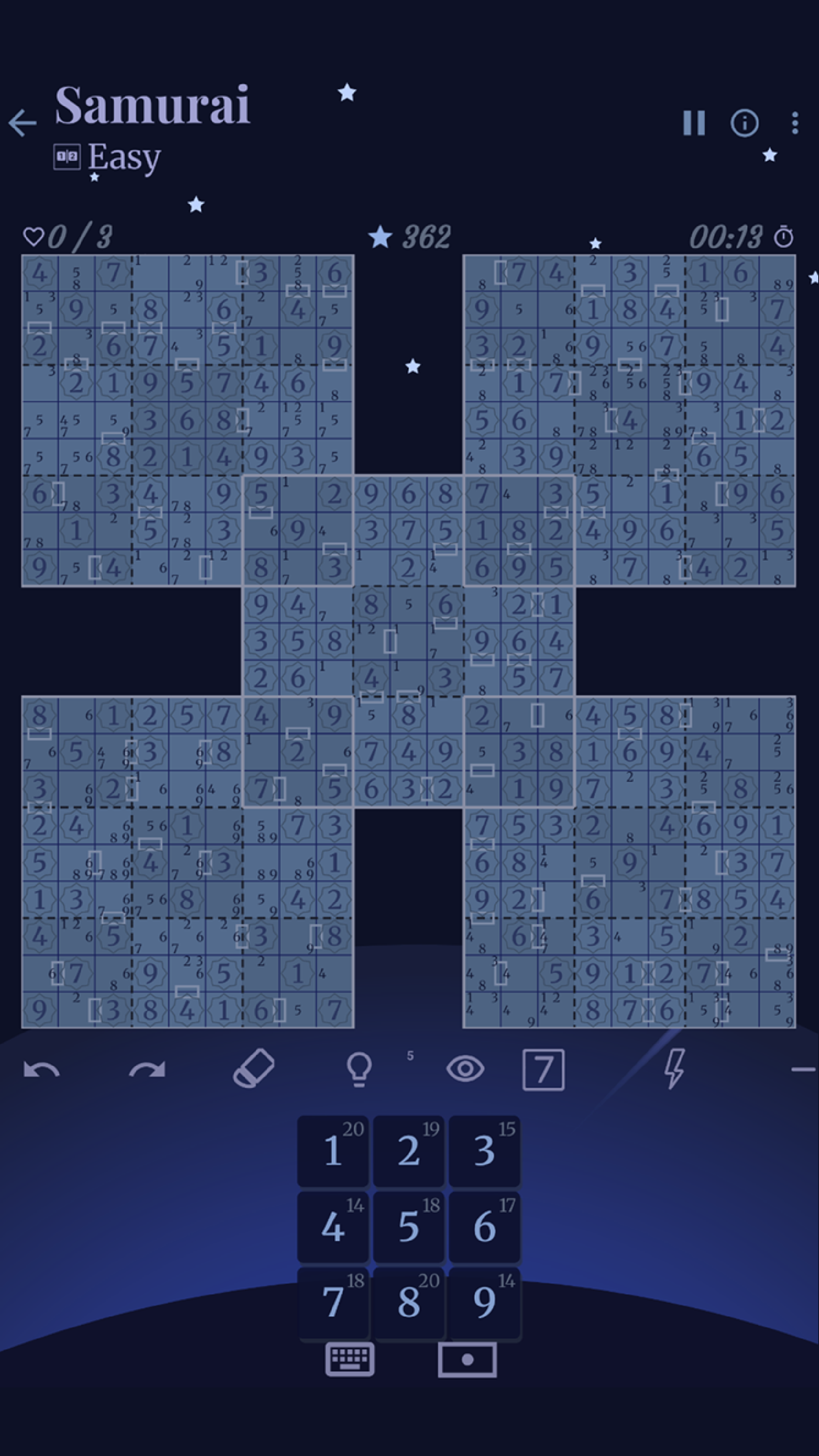
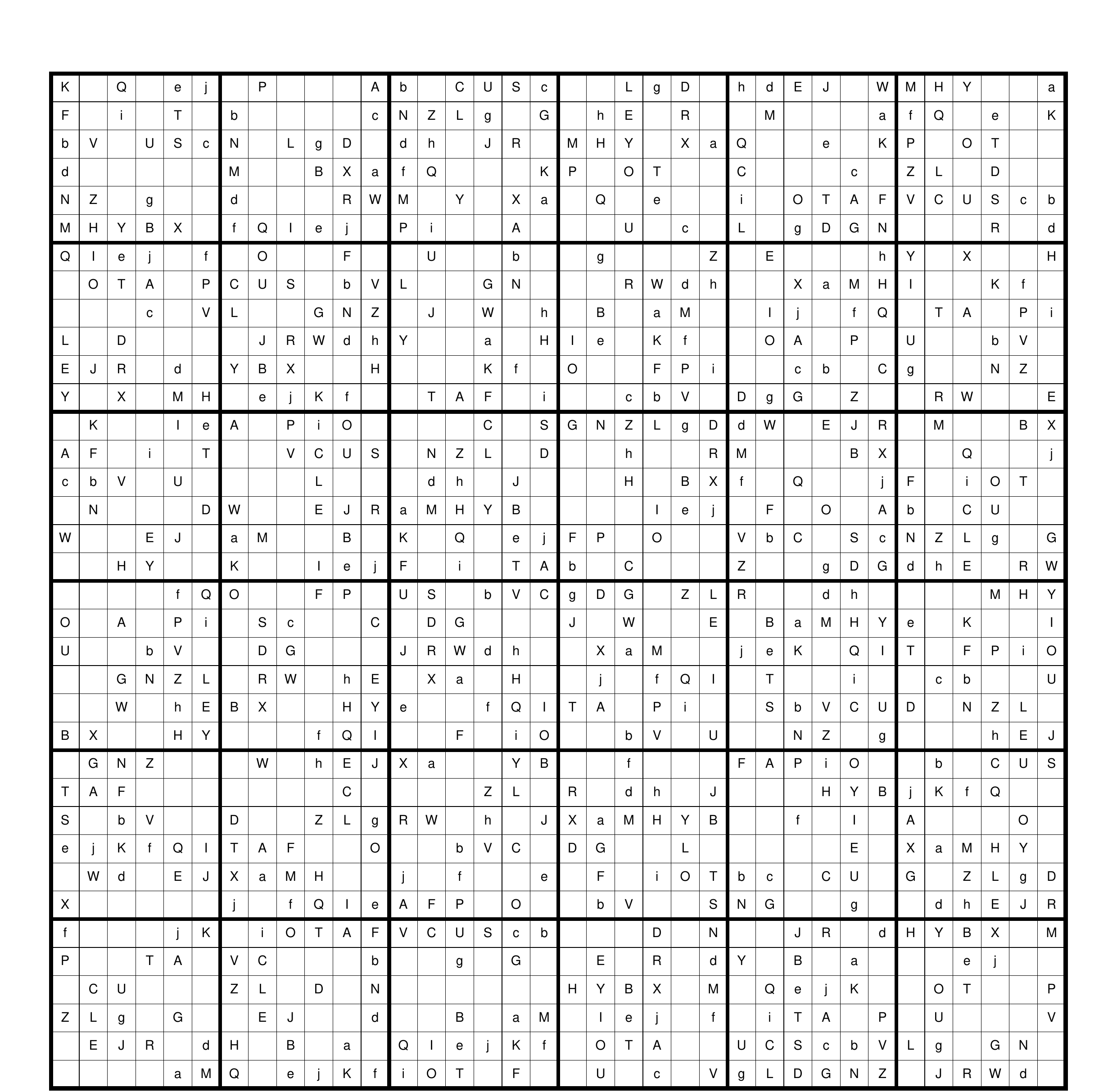
Preview & Convert
Select an image to see preview
Scan Successful!
Edit & Export
Review the detected values and make any corrections directly in the grid, then choose an export option.
How it works
Upload & Preview
Upload a photo of any Sudoku puzzle and preview it before sending it to the scanner.
Scan & Convert
Sudoku Scan detects the grid, corrects perspective, and reads the numbers or characters.
Review & Export
Review and edit the result, then copy it or export it as text, JSON, or PDF.
Help us improve Sudoku Scan
We’re continually improving our recognition model. If a puzzle is scanned incorrectly, please email us and attach the image you uploaded. It helps us identify difficult cases and improve future results.
Email: contact@studiorethink.net
Want to play Sudoku?
Try the ultimate offline puzzle experience by Sudoku ReThink.